Integrating Book 3D Layered Reading SVG into Creative and Productive Workflows
The Book 3D Layered Reading SVG is a digital design file that allows users to create intricate, layered paper book shapes using cutting machines. This resource is particularly valuable for hobbyists, educators, small business owners, and creators who enjoy hands-on crafting or producing visual content for various purposes. Unlike traditional products, it is entirely digital, meaning the buyer receives an electronic file rather than a physical item. The design supports customization through color selection, making it adaptable to different projects and aesthetic preferences.
What Is the Book 3D Layered Reading SVG?
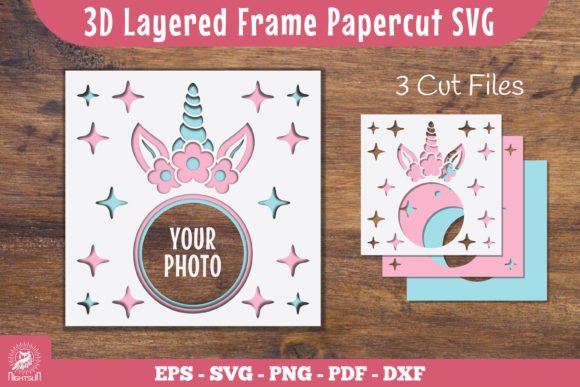
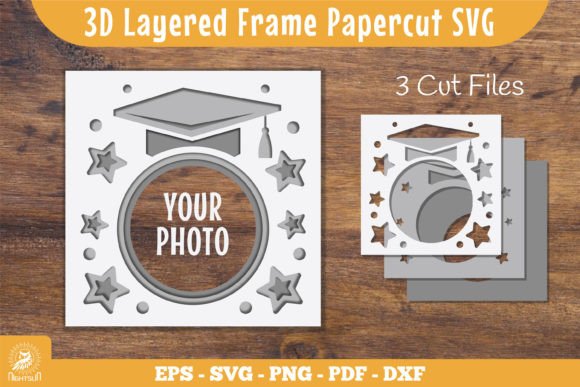
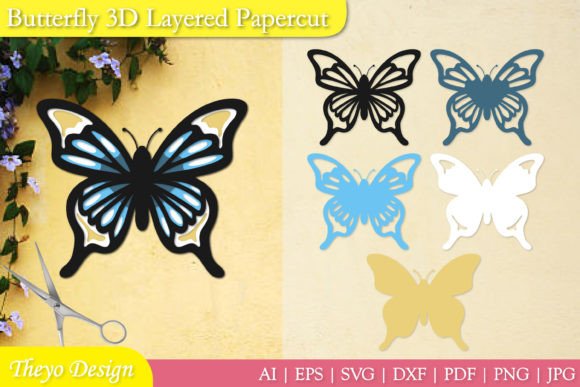
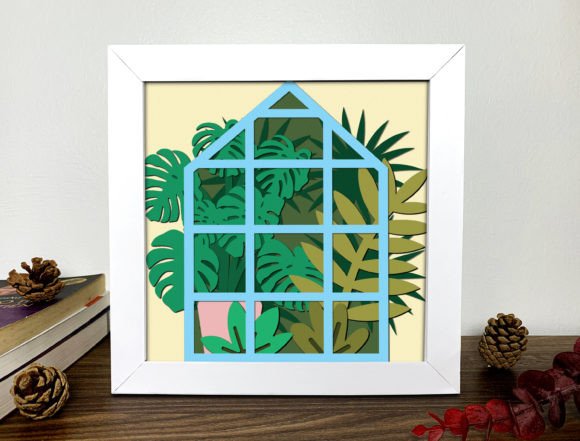
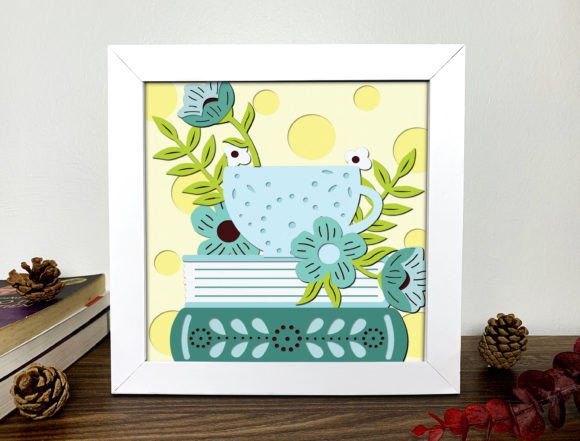
The Book 3D Layered Reading SVG is a scalable vector graphic designed specifically for use with cutting tools like the Cricut Maker 3. It includes multiple layers that can be printed and cut from paper to assemble a three-dimensional representation of a book. These files are typically used in scrapbooking, educational materials, home décor, product packaging, and more.
Each layer provides detailed instructions on how the pieces fit together, enabling users to build realistic models without advanced technical skills. The final product is visually appealing and serves as a great way to celebrate reading, literature, or even to represent a specific book title in a craft project.
Where Does This Fit Into a Broader Workflow?
This type of SVG file fits naturally into creative workflows where visual storytelling or thematic representation is key. For example:
- Event Planning: Use it to create themed decorations for book clubs, literary events, or school presentations.
- Education: Teachers can incorporate it into classroom activities to teach geometry, symmetry, or literacy concepts.
- Marketing and Branding: Small businesses selling books or related products can use it as part of their packaging or promotional materials.
- Personal Projects: Individuals can integrate it into journals, planners, or custom gifts.
Preparation Before Using the File
Before you start working with the Book 3D Layered Reading SVG, it's essential to plan your project. Consider the following steps to ensure a smooth implementation:
- Determine Purpose: Are you creating this for a personal gift, commercial use, or educational activity? Clarifying the goal helps in choosing appropriate colors and sizes.
- Select Materials: Choose high-quality paper or cardstock in colors that match your theme or brand. Thicker materials may offer better durability for long-term display.
- Prepare Equipment: Ensure your cutting machine is compatible with SVG formats. While the file is created with the Cricut Maker 3, it’s also compatible with other major cutting tools such as Silhouette and Brother.
- Upload and Customize: Open the SVG file in your preferred design software (e.g., Cricut Design Space, Silhouette Studio). Adjust colors, size, or add text if needed.
- Print and Cut: Print the layers onto your chosen paper and use the cutting machine to trace each shape accurately. Make sure the printer settings align with your material thickness and desired outcome.
- Assemble the Layers: Follow the included instructions to fold and glue each piece into place. The structure is designed to interlock neatly, so attention to detail during assembly is crucial.
- Photography and Content Creation: Use the finished model as a prop for blog posts, social media content, or video backgrounds.
- Gifts and Merchandise: Present it as a handmade gift or sell it as a kit or finished product alongside other DIY items.
- Display and Organization: Mount the model on a shelf, desk, or within a shadow box for decorative purposes. It works especially well in libraries, offices, or home study areas.
- Collaboration and Community: Encourage others to recreate the design by sharing your version online. Include tips for sourcing materials or suggestions for variations based on your experience.
- Test Run: Before cutting the final pieces, try printing one layer on a smaller scale or using a lighter-weight paper to test the folding and gluing process.
- Batch Preparation: If you're planning to make multiple copies, organize your workspace and materials in advance. Batch-cutting saves time and maintains consistency across all units.
- Storage and Reuse: Keep extra layers stored properly in labeled folders or binders. This makes it easy to revisit the project later or modify it for new themes or events.
- Quality Control: Check each cut layer for accuracy before moving on to the next. Misaligned or poorly cut pieces can affect the final look and stability of the model.
- Download the Book 3D Layered Reading SVG file and open it in Cricut Design Space.
- Customize the colors to reflect the literature being celebrated—perhaps shades of red and gold for a classic feel.
- Print and cut six copies of the model using 120gsm cardstock.
- Have students help assemble the books as part of a hands-on learning activity.
- Mount the finished models on a bulletin board with titles written on them, representing the books studied during the week.
- Seasonal Variations: Change the colors or add seasonal elements (like snowflakes for winter) to keep the design fresh throughout the year.
- Event Kits: Package the SVG with recommended materials and instructions for others to easily recreate the model for birthdays, holidays, or promotions.
- Portfolio Inclusion: Showcase your creation in a portfolio or online gallery to demonstrate your ability to execute complex paper crafts.
- Repurposing for Other Themes: Modify the base design to represent other objects—think “open” books with pages, or even stacked books for a more elaborate display.
- File Management: Store the original SVG file in a dedicated folder along with any modified versions. This prevents confusion when revisiting the design.
- Template Libraries: Add the file to a personal library of SVG templates for future use in similar projects.
- Material Logs: Maintain a log of materials used, including paper types, ink brands, and adhesives. This helps replicate successful outcomes or troubleshoot issues if something doesn’t go as planned.
- Small Business Packaging: A local bookstore uses the model as a thank-you gift inside customer orders, reinforcing brand identity and encouraging repeat visits.
- Corporate Events: A publishing company includes the model in welcome kits for attendees at a literary conference, serving as both a conversation starter and a keepsake.
- Home Décor: An entrepreneur sells pre-cut kits online, targeting readers and bibliophiles who enjoy DIY but lack the time or skill to create from scratch.
- Learning Tools: Educators use the model to teach children about book anatomy or as part of a larger project on famous authors and their works.
Using the File During the Project
Once you’ve prepared your supplies, the next phase involves actually using the file. Here’s how it fits into the execution process:
Post-Creation Integration and Sharing
After assembling the 3D book model, there are several ways to integrate it into your workflow or share it with others:
Compatibility and Cross-Platform Use
One of the strengths of the Book 3D Layered Reading SVG is its compatibility across platforms. Whether you're using Cricut, Silhouette, or another cutting tool, the file format ensures consistent results. Additionally, the inclusion of multiple file types—such as DXF, PDF, EPS—makes it versatile for different stages of the creative process.
For instance, if you're preparing a template for someone else, you might send a PDF for clarity. If they prefer to edit the design before cutting, sending an SVG or DXF would be ideal. Understanding which format best suits your audience will improve usability and reduce confusion.
Practical Tips for Efficient Implementation
To get the most out of the Book 3D Layered Reading SVG, consider these practical strategies:
Workflow Example: Creating a Themed Classroom Decoration
Imagine a teacher planning a classroom decoration for a World Literature Week event. They could follow this streamlined workflow:
This example shows how the SVG integrates into both educational planning and student engagement while remaining flexible for creative expression.
Enhancing Long-Term Use and Reusability
When thinking about long-term integration, it’s important to consider how you can reuse or repurpose the Book 3D Layered Reading SVG over time. Here are some ideas:
Organization and Consistency in Use
Consistency in your workflow helps maintain quality and efficiency. When working with the Book 3D Layered Reading SVG, keep the following in mind:
Real-World Outcomes and Use Cases
Here are some real-world scenarios where the Book 3D Layered Reading SVG has proven useful:
Encouraging Creativity and Community
Since this is a digital product meant to inspire creativity, many users find joy in not just making the model themselves but also in sharing their results. Hosting a virtual showcase or inviting others to participate in a collaborative project encourages community building and gives your work a broader impact.
You can also use the model as a teaching tool to introduce others to SVG-based design and paper crafting. Walkthrough videos or step-by-step guides can turn your personal project into a shared learning opportunity.
Conclusion
The Book 3D Layered Reading SVG is more than just a downloadable file—it’s a gateway to integrating thoughtful design into everyday tasks and creative endeavors. By understanding its role in preparation, execution, and post-creation phases, users can maximize its potential in both personal and professional contexts.
Whether you’re organizing a classroom activity, designing marketing materials, or simply looking for a meaningful DIY project, this SVG offers a structured yet flexible approach to bringing your vision to life. Its compatibility with various tools and adaptability in application make it a valuable asset in any creator’s toolkit.